AI-assisted coding is four decisions, not one


The pace of change in the world of AI-assisted coding is overwhelming. With new tools, frameworks, and platforms emerging and evolving constantly, it can be hard to keep up, let alone understand how all the pieces fit together.
People often ask questions like "Should I use Cursor or ChatGPT?" or "Is Claude better than Copilot?" but to make decisions about which tools to use (or even ask the right sort of questions), it's important to understand the underlying architecture.
In this post, I want to share a simple mental model that has helped me make sense of the AI-assisted coding landscape.
The four layers
At a high level, we can think of AI-assisted coding as being composed of four distinct layers:
- Harness: The user interface and experience for interacting with the AI. It includes things like code editors, chat interfaces, CLI tools, and the system prompts that shape the AI's behaviour.
- Capabilities: The tools, instructions, skills, and context sources that extend what the AI can do — increasingly portable across harnesses.
- Model: The AI model that processes input and generates tokens — text, code, images, or other outputs. This is where the "intelligence" lives.
- Provider: The infrastructure and services that host and run the model. This includes cloud platforms, APIs, and the computational resources (GPUs, memory, state) needed to power it.

These layers build on each other: the harness provides the interface, capabilities extend what's possible, the model does the reasoning, and the provider supplies the compute.
Harness
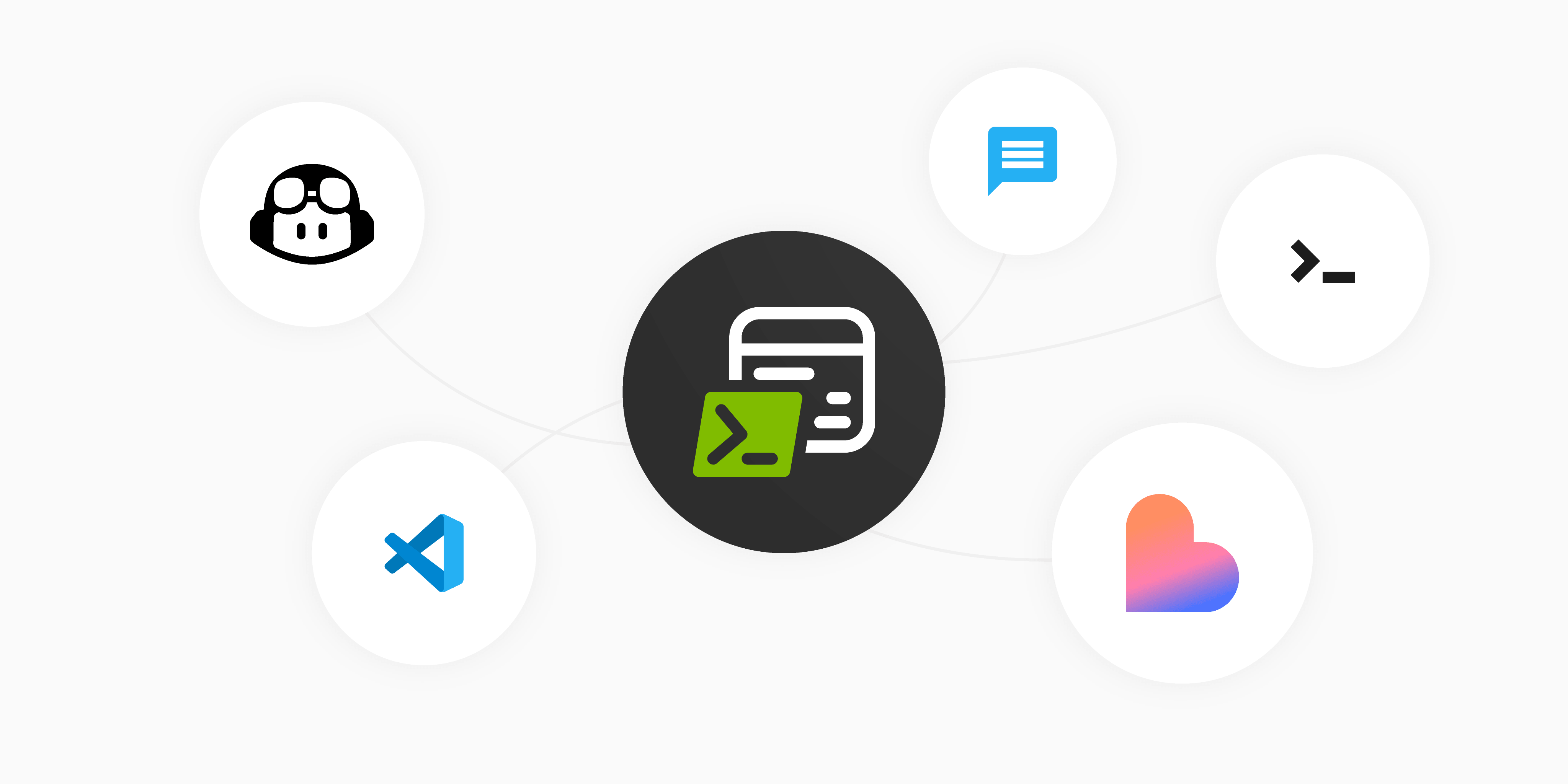
The harness is what you actually interact with day-to-day, and there's a surprisingly wide range of options. Broadly, they fall into a few categories:
- Chat interfaces: Web-based or desktop tools like claude.ai or ChatGPT, where you paste code in and get responses back. Great for quick questions and exploration, but limited when it comes to working with full projects.
- IDE extensions: Tools like GitHub Copilot Chat or Roo Code that plug into your existing editor (VS Code, Visual Studio, JetBrains, etc.). These meet you where you already work, with direct access to your codebase.
- Purpose-built IDEs: Editors like Cursor and Google Antigravity that have been built from the ground up with AI at their core (usually forks of VS Code). They offer deep integration between the editor experience and the AI capabilities.
- App builders: Tools like Lovable that focus on generating entire applications from natural language descriptions, targeting less technical users or rapid prototyping.
- CLI tools: Command-line agents like Claude Code, OpenCode, and Copilot CLI that let you work with AI directly from your terminal. These tend to appeal to developers who prefer keyboard-driven workflows.
Even within these categories, there has been a push recently towards different user interactions. For example, integrating voice control or continuing conversations across devices.
But the harness isn't just about where you interact with the AI, it's about how the harness shapes the AI's behaviour. Modern harnesses go well beyond simple chat, adding capabilities such as:
- Agentic workflows: The ability for the AI to plan, execute multi-step tasks, spawn sub-agents, run commands, and iterate on its own output. This might happen locally in the harness, or it might hand off to cloud-based agents running on the provider layer.
- System prompts: The invisible instructions that shape how the AI behaves. This is a bigger deal than most people realise. The same model can perform dramatically differently depending on the harness it's running in, because each harness ships its own system prompt.
- Memory and context: Persistent memory across sessions, project-level instructions, and the ability to pull in relevant files and documentation automatically.
These harness-level capabilities can make a huge difference to your productivity, often more so than the choice of model itself. A great model in a limited harness won't perform as well as a good model in a harness that gives it the right tools and context.
Capabilities
The capabilities layer is what you layer on top of the harness to extend what the AI can do. This has arguably been one of the biggest developments in the last year. It includes:
- Tools and MCP: The Model Context Protocol (MCP) has emerged as a standard way to give AI access to external tools — running tests, querying databases, calling APIs, searching the web, interacting with design tools, and more. These tools are increasingly portable: the same MCP server can work across Claude Code, GitHub Copilot, Cursor, and other harnesses.
- Instructions and skills: Project-level instruction files (like
.instructions.mdor.cursorrules) that tell the AI about your codebase conventions, preferred patterns, and how to approach tasks. Custom skills and agent definitions let you package domain-specific knowledge that the AI can draw on. - Context sources: Documentation, codebase indexing, knowledge bases, and other reference material that help the AI understand your specific domain and codebase.
What makes capabilities a distinct layer (rather than just a feature of the harness) is their portability. You can take the same MCP servers, the same instruction files, and in many cases the same context sources, and use them across different harnesses. Your investment in configuring capabilities isn't locked to a single tool.
Model
The model is where the "thinking" happens. When you send a prompt, it's the model that interprets your intent, reasons about the problem, and generates tokens in response — whether that's code, prose, or increasingly other modalities like images and audio. Models differ across several key dimensions:
- Reasoning ability: How well the model can break down complex problems, plan multi-step solutions, and handle nuanced logic. The emergence of dedicated reasoning modes (like "extended thinking") has been a significant step forward here, though higher reasoning levels consume substantially more tokens.
- Code generation quality: The accuracy, correctness, and idiomatic quality of the code it produces across different languages and frameworks.
- Tool use: How reliably the model can decide when and how to call external tools provided by the harness and capabilities layer, and how well it can structure its output to work with those tools.
- Context window: How much text the model can "see" at once. Larger context windows mean the model can work with bigger codebases without losing track of important details.
- Speed: How quickly the model generates responses. For interactive coding, latency matters, so a slower but more capable model isn't always the best choice for every task.
Today's landscape includes several categories of model:
Frontier models - like Claude, GPT, and Gemini - are the most capable, hosted in the cloud, and accessed via API. They're constantly being updated and represent the cutting edge.
Local models can run on your own hardware. Tools like Ollama or LM Studio make it straightforward to run open-weight models (e.g. Qwen, Llama, DeepSeek). They're typically less capable than frontier models, but they offer advantages in terms of privacy, cost (no per-token charges), and the ability to work offline. It's worth noting that "open-weight" doesn't always mean fully open — you can download and run the model, but you typically don't know how it was trained or on what data.
Specialist models are smaller, narrowly focused models tuned for specific tasks: speech-to-text (e.g. Whisper), text-to-speech, classification, summarisation, OCR, and more. While frontier models are incredibly powerful, they're also expensive; for high-volume business tasks, smaller and more cost-efficient models often make more sense.
And you don't have to pick just one. Many harnesses let you switch models on the fly, so you can use a fast, lightweight model for simple tasks and a more powerful frontier model when you need heavy reasoning.
Provider
The provider layer is often invisible to individual developers, but it's where many of the most important enterprise concerns live. When an organisation is evaluating AI coding tools, the questions at this layer tend to dominate the conversation:
- Data residency: Where are your prompts and context being sent, and where are they processed? For regulated industries, data staying within a specific geographic region can be a hard requirement.
- Security and compliance: Does the provider meet the organisation's security standards? Are prompts and code snippets logged or used for training? What certifications does the provider hold (SOC 2, ISO 27001, etc.)?
- Copyright and IP: There are risks associated with generating code using models trained on public data, or agents retrieving proprietary information. Some providers offer guarantees around IP ownership and indemnity (such as Microsoft's Copilot Copyright Commitment), which can be crucial for commercial use.
- Rate limits and availability: How many requests can you make before hitting throttling? Is there an SLA for uptime? For a team of developers relying on AI throughout the day, rate limits can become a real bottleneck.
- Cost management: Pricing varies significantly, from flat-rate subscriptions to per-token usage billing. At scale, understanding and controlling costs becomes critical. This is compounded by the cost of reasoning: enabling higher reasoning levels on capable models can dramatically increase token consumption.
This is where options like Microsoft Foundry, and Amazon Bedrock come in. They let enterprises access frontier models through their existing cloud provider (though not always within the same infrastructure), with the governance, networking, and compliance controls they already have in place. You get your own dedicated capacity, and billing flows through your existing agreements. Model marketplaces like Hugging Face also play a role, providing a catalogue of models (both open-weight and commercial) that can be deployed on your own infrastructure.
For most individual developers, the provider layer is something you don't think about much — it just works. But for teams and organisations adopting AI coding tools at scale, it's often the layer that determines which tools are actually allowed to be used.
Bundled vs. mix-and-match
In practice, you'll see these layers packaged together in different ways. Some products bundle all layers tightly, while others give you the freedom to pick and choose.
For example, a Claude Pro subscription bundles everything: the claude.ai chat interface, Claude desktop app, and Claude Code CLI (harness), Anthropic's Claude models (model), and Anthropic's own infrastructure (provider). It's a clean, simple experience — but you're largely locked into Anthropic's choices at every layer.
GitHub Copilot takes a more flexible approach. You get VS Code / Visual Studio IDE extensions (or Copilot CLI) as your harness, but you can choose from a wide selection of models: Claude, GPT, Gemini, and others. The models are hosted on different providers behind the scenes, but this is abstracted away. You can also bring your own capabilities via MCP servers and instruction files. You can even use alternative harnesses like the Claude SDK from within the Copilot ecosystem, or connect local models.
Then there are tools like OpenCode or Roo Code, which are open-source harnesses that let you bring your own model and your own provider. You could run a local model on your own hardware, connect to an API key with OpenAI, or point it at an Azure OpenAI deployment your team manages. This gives maximum flexibility, but you're responsible for wiring it all up.
Blurring boundaries
It's worth noting that the boundaries between these layers are starting to blur. Agentic capabilities that used to live purely in the harness are increasingly being pushed into the model and provider layers. Code can run on your local device, in the cloud, or as a fleet of sub-agents. And you can orchestrate all of it from your IDE, a terminal, or even a mobile device. The mental model is still useful for making decisions, but the sharp lines between layers are softening as the ecosystem matures.
Conclusion
This post isn't intended to recommend a specific tool or combination - what's right for you will depend on your constraints, your team's needs, and the kind of work you're doing. But by understanding that there are four distinct decision points - harness, capabilities, model, and provider - and the trade-offs at each layer, you can make informed choices rather than getting lost in the noise. When someone asks "Should I use Cursor or Claude?", you'll know that's not quite the right question, and you'll know what questions to ask instead.