Deployment pipelines, automated testing with SpecFlow, and the Execute Queries API — bring engineering discipline to Power BI.
DataOps & Testing
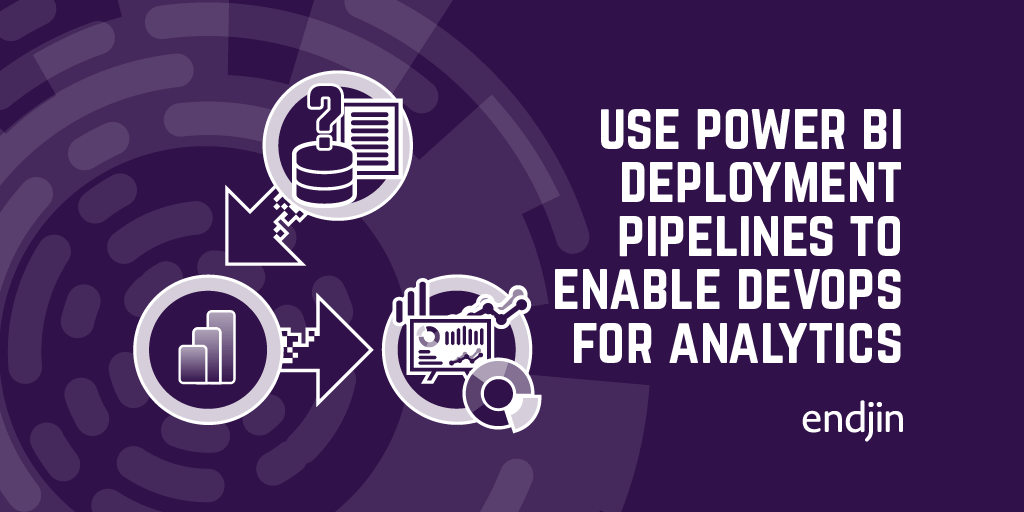
How to use Power BI deployment pipelines to enable DevOps for analytics
Power BI deployment pipelines manage collaboration, change management, and testing of reports, enabling DevOps for analytics solutions.
How to create a Power BI workspace in an Azure DevOps Pipeline using Powershell
Automate Power BI workspaces creation & security using PowerShell & Azure DevOps pipelines in a wider DevOps strategy with Azure data platform services.

Why Power BI developers should care about the read/write XMLA endpoint
Whilst "read/write XMLA endpoint" might seem like a technical mouthful, its addition to Power BI is a significant milestone in the strategy of bringing Power BI and Analysis Services closer together. As well as closing the gap between IT-managed workloads and self-service BI, it presents a number of new opportunities for Power BI developers in terms of tooling, process and integrations. This post highlights some of the key advantages of this new capability and what they mean for the Power BI developer.
Testing Power BI Reports using SpecFlow and .NET
Ensure Power BI report quality by connecting to tabular models, executing scenario-based specs, and validating data, business rules, and security.
Testing Power BI Dataflows using SpecFlow and the Common Data Model
Ensure reliable insights with endjin's automated quality gates for validating Power BI Dataflows in complex solutions.

Why you should care about the Power BI ExecuteQueries API
Explore the benefits of Power BI's new ExecuteQueries REST API for developers in tooling, process, and integrations.
Testing Power BI Reports with the ExecuteQueries REST API
Explore DAX queries for scenario-based testing in Power BI reports to ensure data model validity, rule adherence, and security maintenance.