Skip to content

Power BI

Making sure the right people see the right data at the right time to make the right decision is a hard problem. Are you ready?

What's your Power BI maturity?

From weekly Office Hours to bring a fresh perspective on strategy, a big architectural decision, or an intractable technical problem, to delivery squads working to a deadline.

Blueprints

De-risk your project and accelerate time to value

Data Storytelling

Design impactful reports which deliver actionable insights

Design & Accessibility

Support the 1 in 12 who have visual accessibility needs

Data Modelling

Semantic models and data products for actionable insights.

DAX

De-risk your project and accelerate time to value

DataOps

Build feedback loops to enforce your policies & processes.

Training

Upskill your team with bespoke training tailored to your needs

Mentoring

Weekly "office hours" to help solve problems & make decisions

Skills Assessment

Understand your capabilities to plan for modernisation success

We cover lots of different topics around Power BI, from design & accessiblity, to tours of demo reports.

Watch on YouTube

30 Years, 30 Million Data Points. In this report we have loaded 30 years of house price data for England and Wales.

We invite you to navigate through our streamlined dashboard, where each carefully designed page focuses on a specific theme to deliver clear, actionable insights. Whether you're a potential buyer, seller, property investor, a house builder, mortgage provider, home insurance provider or market analyst, our simple interface will be intuitive to use.

In this report we have chosen 25 global brands across the categories of tech, food & drink, entertainment, automotive, and financial services.

We have then ingested 20 years of financial data for each brand with the objective of using Power BI to generate some descriptive analytics over this data. You can clearly see the market movers by observing stock prices over the last 20 years.

There are also global insights, such as the impact of the financial crisis in 2008 and the invasion of Ukraine in 2021. You can also observe the evolving markets and the domination of the big tech companies with their market capitalization that dwarfs many of the other brands.

We've created a report that uses open data published by the World Bank to explore global trends in wealth & health.

We use this report to demonstrate design and accessiblity recommended practices. Colour Vision Deficiency (CVD) affects 1 in 12 males, and 1 in 200 females, which means accessibility should be a key requirement in any Power BI report or data visualisation.

We showcased this Power BI report during talks at SQLBits 2024. It's based on open data sources available from Kaggle.

The report is designed to mimic an interactive museum exhibit. Discover insights on demographics, survival rates, and how to create a visually engaging and informative data story.

Latest Power BI blogs

Reliably refreshing a Semantic Model from Azure Data Factory or Synapse Pipelines

Reliably refreshing a Semantic Model from Azure Data Factory or Synapse Pipelines

James Broome

This post describes a pattern for reliably refreshing Power BI semantic models from Azure Data Factory or Azure Synapse Pipelines.
Learning from Disaster - A Creative Walkthrough of the Titanic Power BI Report

Learning from Disaster - A Creative Walkthrough of the Titanic Power BI Report

Paul Waller

In Paul Waller's final, and posthumously published blog post, he takes you through a creative walk-through of the Titanic Power BI Report he created with Barry Smart.
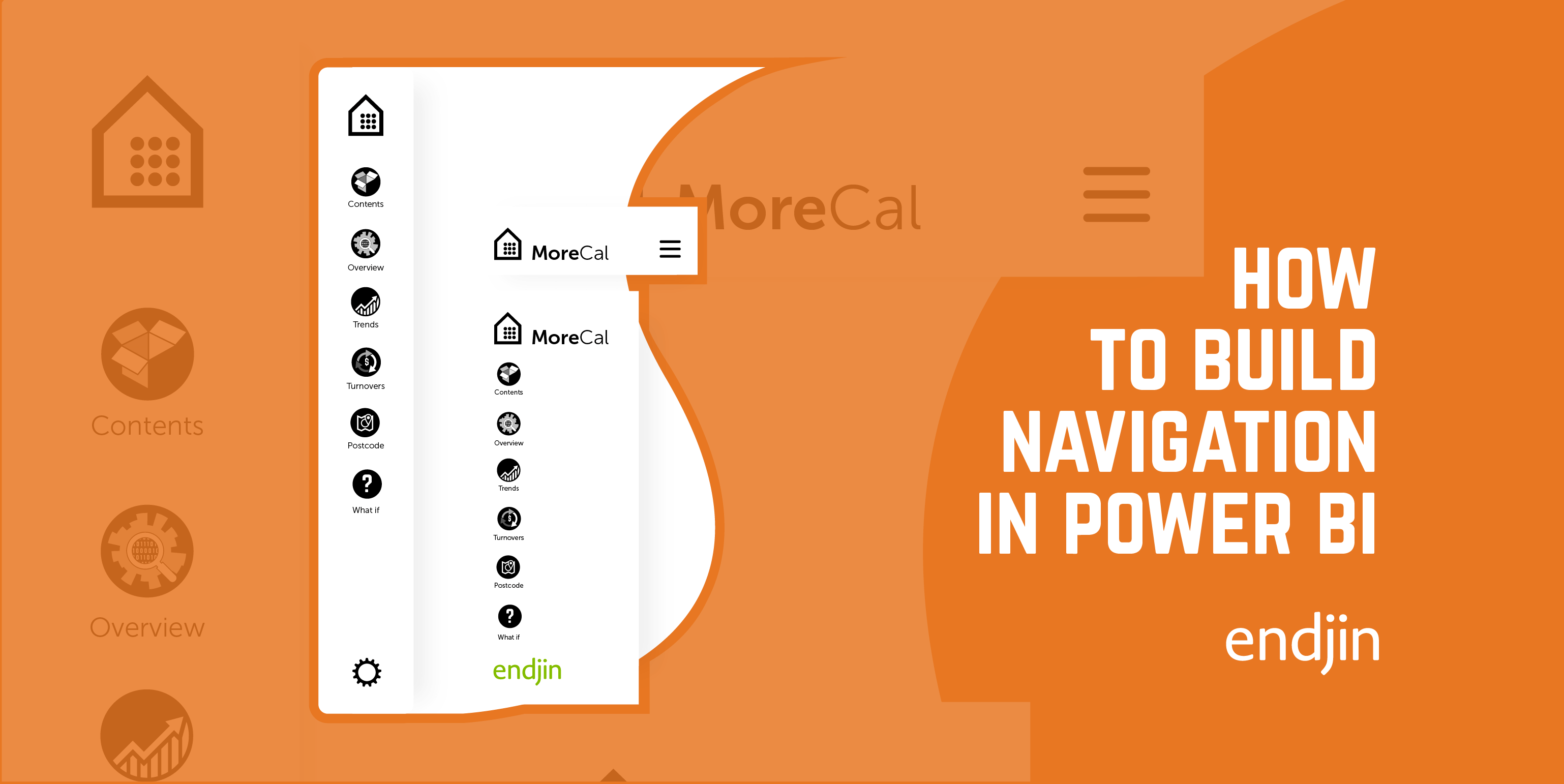
How to Build Mobile Navigation in Power BI

How to Build Mobile Navigation in Power BI

Paul Waller

This is follow guide to designing a mobile navigation in Power BI, covering form, icons, states, actions, with a view to enhancing report design & UI.
Encoding categorical data for Power BI: Using label encoded data vs one-hot encoded data in Power BI

Encoding categorical data for Power BI: Using label encoded data vs one-hot encoded data in Power BI

Jessica Hill

Understand why label encoding is the preferred technique for encoding categorical data for analysis in Power BI over one-hot encoding.
Encoding categorical data for Power BI: Label encoding vs one-hot encoding - which encoding technique to use?

Encoding categorical data for Power BI: Label encoding vs one-hot encoding - which encoding technique to use?

Jessica Hill

One-hot encoding and label encoding are two methods used to encode categorical data. Understand the specific advantages and disadvantages of these techniques.
Power BI Images That Pop: A Guide to Intuitive, Easy-to-Maintain Reports

Power BI Images That Pop: A Guide to Intuitive, Easy-to-Maintain Reports

Paul Waller

Explore integrating icons, pictograms and images into Power BI in the optimal way to enhance the user experience and minimise effort required to build and maintain reports.

We pride ourselves on our customer relationships. Here's what they had to say about us.

Often website quotes are full of token platitudes, however, hand on heart, endjin have been the most consistent, high quality partners I have ever used. One of the key highlights was help in designing an Azure solution to help process over 1.5B rows of data to display to the user in less then 3 seconds, with the help of endjin we had a solution in under 12 weeks.

It's the unique blend of commercial acumen, strategy awareness, deep technical ability and the willingness to call bullshit/not tolerate it, that makes endjin so special.

Endjin's experience & processes enabled us to move on from simply collecting data, to asking business questions, and gaining valuable insights, which allowed us to focus on the right business decisions.

Ilario Corna Head of Infrastructure, Content & Operations, TalkTalk

We worked with Endjin as part of an ambitious project around consolidating and migrating data to a new stack and new processes. Their Microsoft Azure platform expertise, deep understanding of data strategy and management best practice and exemplary approach to insights completely changed how we thought about data. Our team is capable of things we would not have been able to do without their support.

Emily Glen Data & Technology Manager, Skills Development Scotland

At Juniper we had the opportunity to take a fresh look at our data strategy, and how we could help our customers get better value from the data they entrust us with. Endjin helped us shift how we thought about data, introduced us to end to end processes for establishing and delivering requirements, and helped us put the baseline technology platform in place along with some exemplar implementations. Endjin upskilled our team so we could stand alone on completion of the engagement.

We needed a quick answer about whether something was even possible with the data available. Endjin helped us to focus our hypothesis, then used Machine Learning experiments to cut the discovery down from months to weeks.

Bang for buck, endjin are the best value for money you can spend.

Chat

Click here to pop open a chat window and we'll get right back to you

Call

If you'd rather talk another time, schedule a call using our online calendar

Email

Or you can use good old fashioned email to drop us a line, hello@endjin.com